
How does the calculator size the screen?
It uses a simplified rule that is widely used in display system design: image height equals the distance to the farthest viewer divided by a factor that depends on the content.
- Detailed content such as spreadsheets, small text and charts: factor 4, which means a bigger screen.
- Presentations with headings, bullet points and images: factor 6.
- Video and visual content such as opening films and motion graphics: factor 8.
Once the height is known, the width is the height multiplied by 16 and divided by 9, because most content today is designed in that ratio.
How is viewing distance worked out for LED walls?
An LED wall is built from modules, and the distance between the centres of two neighbouring pixels is called the pixel pitch, measured in millimetres. The smaller the number, the smoother the image up close. The calculator uses two working rules: the minimum viewing distance in metres is roughly the pixel pitch in millimetres, and the comfortable distance is about three times that.
The rule also works in reverse: the distance of the nearest guest in metres gives the largest acceptable pitch in millimetres. The calculator also counts the pixels across the screen by dividing the width in millimetres by the pitch, so you can check that the content is designed for that resolution. For the term itself, see the LED screen and pixel pitch definition.
Worked example: a hall 24 metres deep
In a hall where the back row sits 24 metres from the stage and the sessions show slides: height 24 ÷ 6 = 4 metres, width 4 × 16 ÷ 9 = about 7.11 metres. If a session shows detailed financial tables: height 24 ÷ 4 = 6 metres and width 10.67 metres. If the screen only plays the opening film: 24 ÷ 8 = 3 metres and width 5.33 metres.
With an LED wall at 2.6 mm pitch, the minimum viewing distance is about 2.6 metres and the comfortable distance about 7.8 metres. A width of 7.11 metres is 7,110 millimetres, so about 2,735 pixels across. If the front row is 4 metres away, the largest acceptable pitch is about 4 mm.
What matters beyond the maths?
- Ceiling height: a 6 metre high screen needs a ceiling above it with room for the rigging and lighting.
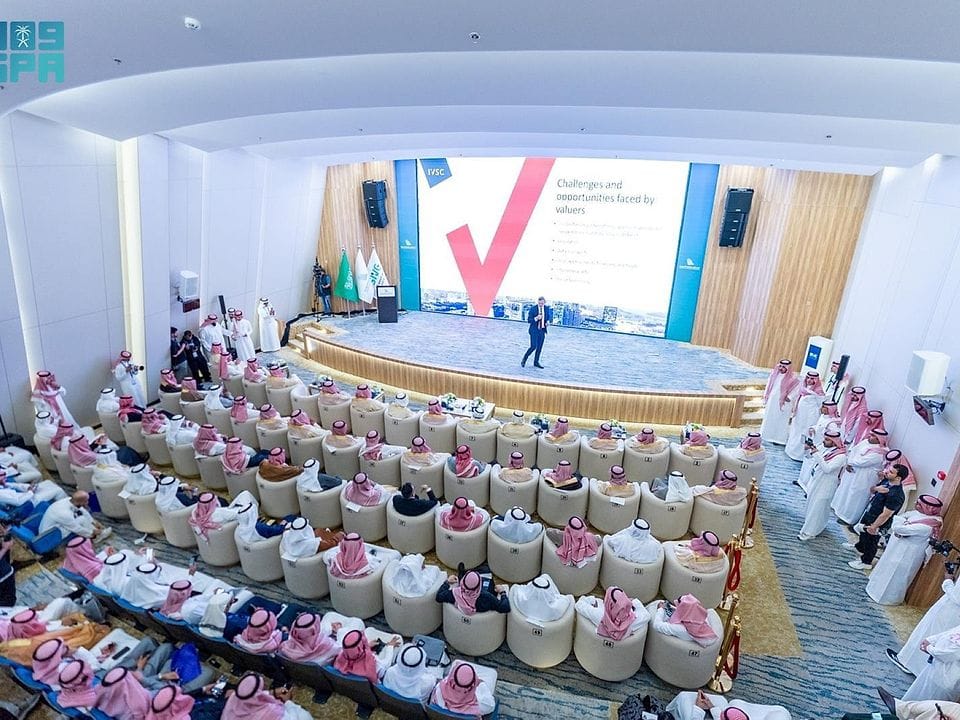
- Room width: wide rooms such as the hotel ballrooms in Khobar suit extended LED walls, or two side screens next to the main one.
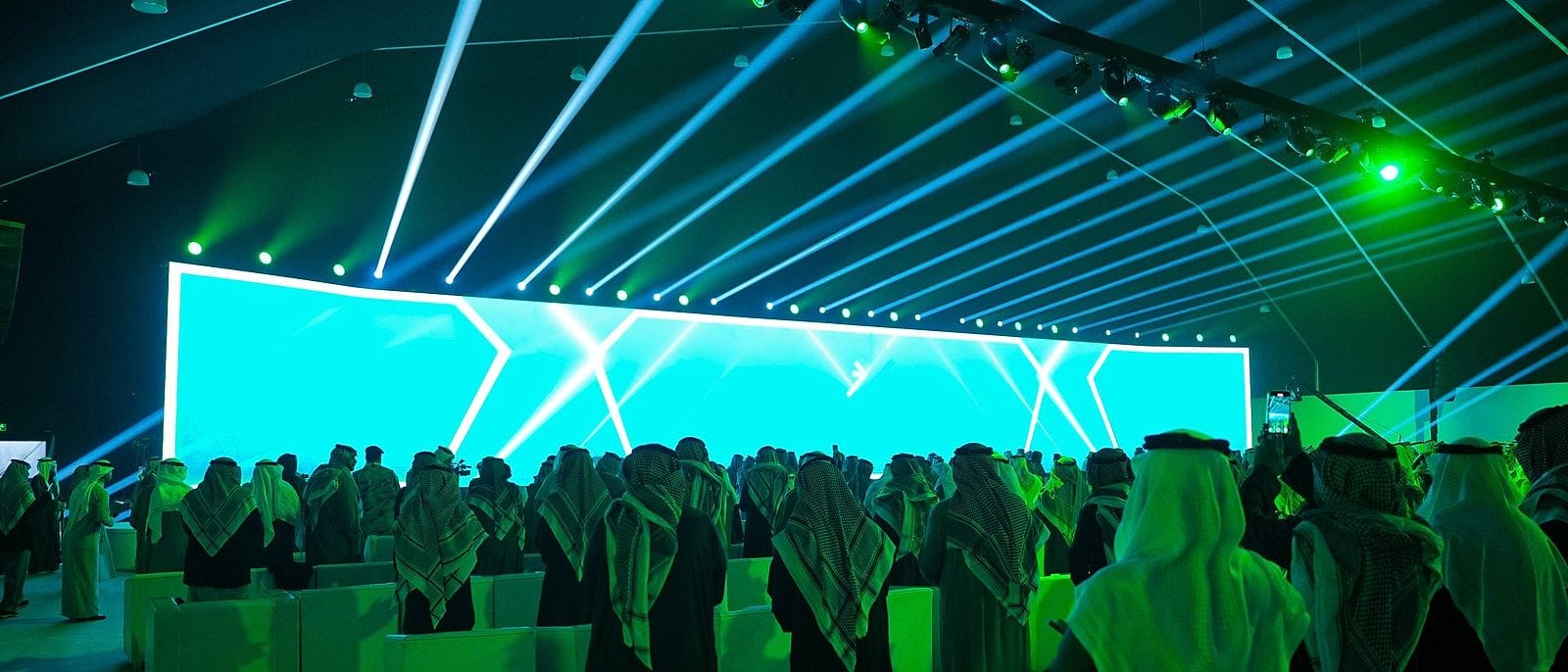
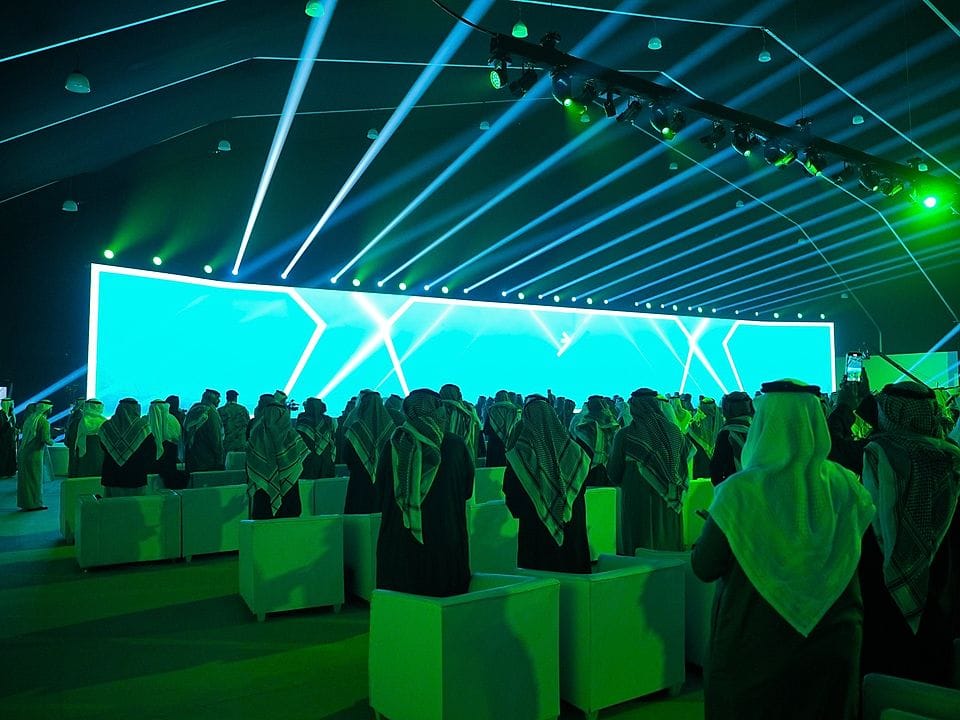
- Stage design: at the Najran Investment Forum 2025 the wide screens were part of the stage design together with a full lighting ceiling, not a separate item.
- Content: the best screen fails if slides use small type. Ask speakers to use one template before the event.
If you are torn between the two technologies, see the LED wall versus projector comparison.

 Scan to chat on WhatsApp